Best E-learning Clone Script Providers (2026)
TL;DR
- An e-learning clone script is a ready-made software with all the core features and functionalities to launch a full-fledged e-learning software.
- Pinlearn, Yo!Coach, Sangvish, BSEtec, Abservetech (Edustar), Appysa, Migrateshop, Oyelabs are the top e-learning clone script providers.
- Evaluate key features such as easy course manager, integrated video conferencing tools, multiple revenue streams, advanced analytics, and reporting before choosing your e-learning script.
Building an e-learning platform from scratch is time-consuming and expensive. E-learning clone scripts ease the development process by providing a foundational framework to scale your software. It provides all the core functionalities, including course creation, live tutoring support, session scheduling, payment integration, and analytics.
If you’re planning to launch an e-learning platform inspired by the likes of Udemy and Coursera, here’s your chance to get the speed advantage with the best e-learning clone script providers out there!
9 Top E-learning Clone Script Providers in 2026: Detailed Feature Analysis
Here’s a quick comparison of the best e-learning clone script providers in the industry:
| Platform | Live Tutoring Support | Deployment Time | Course Marketplace | Support & Updates | Price Model | Best For |
| Pinlearn | ✅Yes (Zoom, Lessonspace integration) | 5-6 days | ✅Yes | Free 1-year support & updates) | One-time payment | All-in-one platform (Early startups to enterprise ) |
| Yo!Coach | ✅Yes (Zoom, Lessonspace integration) | 1-2 weeks | ✅Yes | 6 months – 1 year free support & updates | One-time payment | Tutoring and coaching centers |
| Trioangle Technologies | No | 1-2 weeks | ✅Yes | Free technical and bug support within the specified period | Not Available | Educational Startups |
| Sangvish | ✅Yes | Not specified | ✅Yes | 3 months free support | One-time payment | Quick LMS deployment |
| BSEtec | ✅Yes | Within 2 weeks | ✅Yes | Free 1- 3 months support | One-time payment | Course marketplace |
| Abservetech (Edustar) | ✅Yes | 2-3 weeks | ✅Yes | Free 6-months bug support | One-time payment | Course marketplace |
| Appysa | ✅Yes | Within weeks | ✅Yes | Free 6 month support | One-time payment | Deploying web and mobile e-learning platform quickly |
| Migrateshop | ✅Yes | Quick deployment; timeline not mentioned | ✅Yes | Free 1-year tech support | One-time payment | Quick launch-focused course marketplace |
| Oyelabs | ✅Yes | 1-2 weeks | ✅Yes | 30 days free support | One-time payment | Startups and SMBs |
1. Pinlearn – All-in-One Tutoring and Course Marketplace Clone Script
Pinlearn is one of the best e-learning clone script providers offering both 1-on-1 tutoring and a self-paced course marketplace through scalable, secure and customizable software. Its feature-packed interface offers everything you need to start your e-learning business, including built-in Zoom integration, Stripe payment gateway, appointment manager, and seamless messaging system.
Best of all, the solution is 100% customizable and can be tailored to your unique business and branding needs. Whether you’re an educational institute, course marketplace, corporate trainer, or solo tutor, Pinlearn ensures a smooth learning experience for both educators and students.
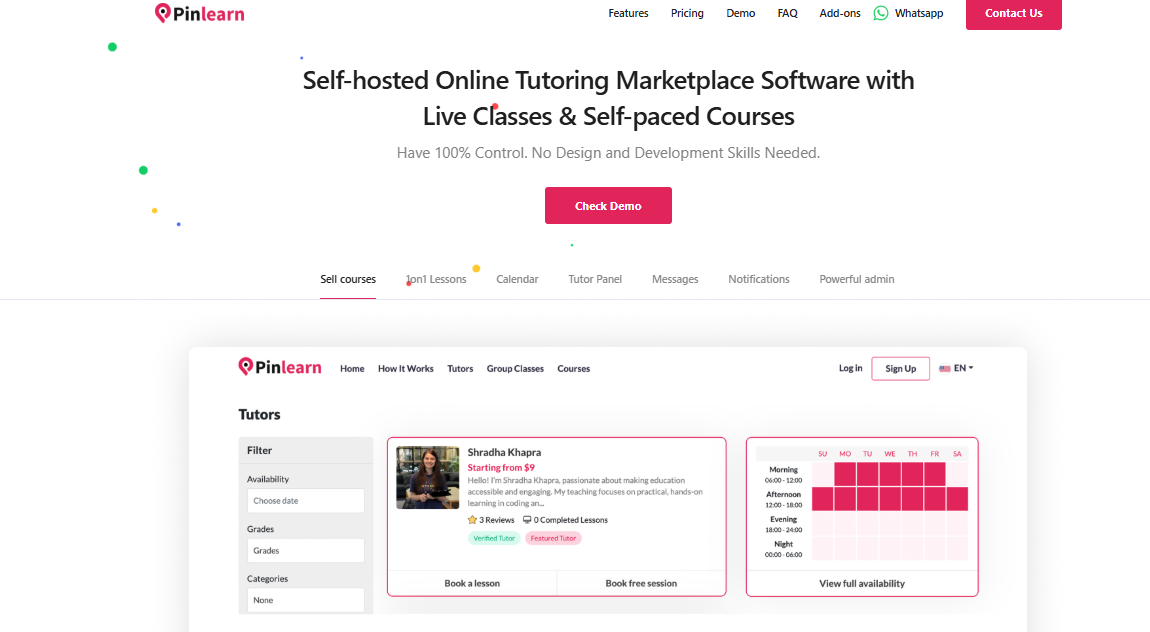
Top Features:
1. Course creation and management
The easy and user-friendly course manager helps instructors to effectively create, manage and sell courses from a single interface.
2. Interactive virtual classroom
Pinlearn comes equipped with Zoom and Lessonspace integrations with chat feature, interactive whiteboards and session recordings.
3. Appointments Manager
The quick calendar view helps students to book free demo lessons or paid classes based on tutor availability and reduces no-shows.
4. Centralized admin dashboard & analytics
The detailed reports and statistics on instructors, learners, payments, commissions and courses help admins to track and scale their business.
5. Marketing & Branding Tools
The e-learning clone excels with promotional tools such as coupons, email templates, custom page titles, seo settings and Google Analytics integration to increase platform visibility.
Pros:
- Build a self-hosted live website within 5-6 days.
- White-label, lifetime license and full source code ownership with the professional package
- Built-in course and tutoring marketplace
- Extensive add-on ecosystem and full development support
- Affordable and flexible plans ($699 starter and $1499 professional plan)
- Free 1-year support & updates
- Multi-language and multi-currency support
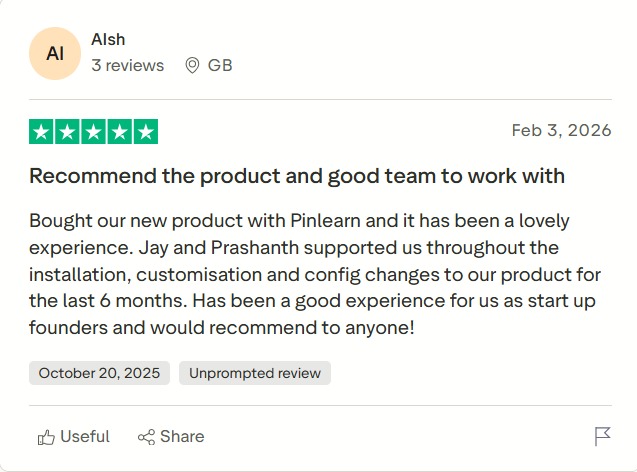
- Over 10 years of development expertise and highly positive reviews on Trustpilot (4.6 rating)
Cons:
- Basic product installation and third-party integrations required as per business needs
- Customize your platform with niche-specific add-ons and unique branding to gain a competitive edge
Pricing:
One-time pricing and no hidden costs
Pinlearn offers two flexible pricing plans include:
- Starter plan – $699
- Professional plan – $1499
Reviews:
2. Yo!Coach – Modern E-Learning Clone Script with Robust Features
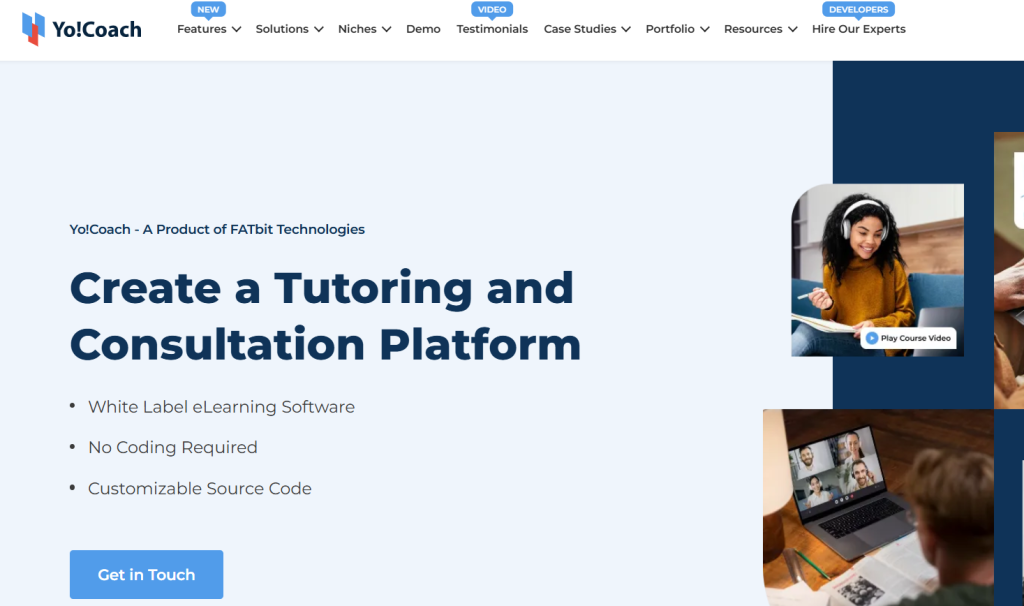
Yo!Coach is another comprehensive e-learning solution with a user-friendly interface and advanced platform features. It supports multiple revenue models, including commissions, ads, sponsorships, and accreditation. The white-label solution allows startups and businesses to customize based on their niche, add advanced features and build a unique brand identity.
Top Features:
1. Detailed analytics & reporting
Admin can gain insights on sales, top-performing courses, active tutors, etc., help them to make well-informed decisions.
2. Built-in video conferencing support
Instructors can host live one-on-one and group tutoring sessions with pre-integrated Lessonspace, Jitsi, and AtomChat video conferencing APIs.
3. Unlimited course uploads
Instructors can create and upload a wide variety of courses on different topics with no limitations in the pricing plan.
4. Extensive API support
Yo!Coach supports several third-party services, including payment gateways, video conferencing, analytics, etc.
Pros:
- Good customer support with onboarding help and product updates
- Supports live tutoring and self-paced courses
- Highly customizable & includes lifetime validity
- Mobile-friendly interface
Cons:
- The base plan GoQuick Lite starts at $999, quite expensive compared to competitors
- Yo!Coach label is included in the base plan and it doesn’t support the white-labeling option
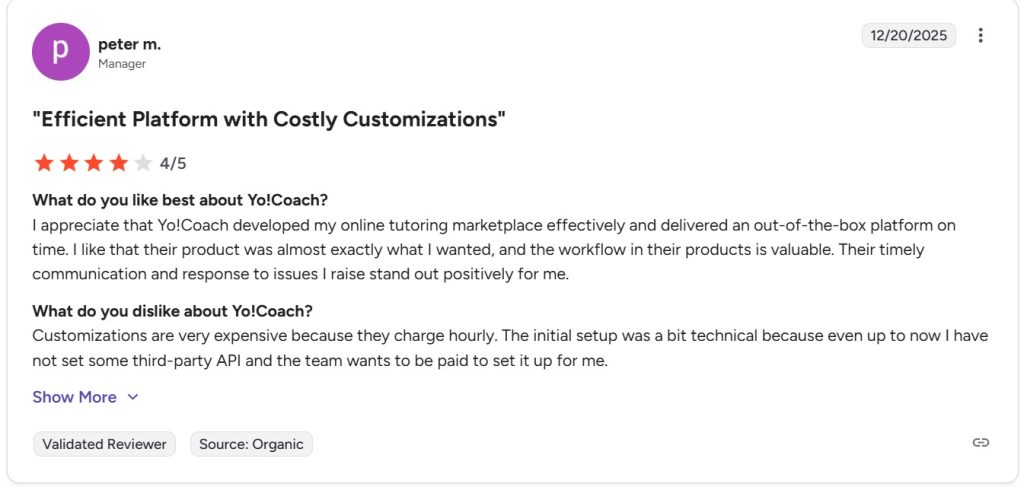
- High customization costs
- Some user reviews report booking issues, time zone problems, and a lack of platform stability.
- Complex setup and steep learning curve
Pricing:
Yo!Coach offers four compelling pricing plans:
- GoQuick Lite ($999) – Default and non-white label design, 6 months free technical support, standard platform features
- GoQuick (Custom pricing) – All GoQuick Lite features, white label features, source code ownership, 1-year free support
- GoCustom (Custom pricing) – All GoQuick features, custom design, flexible payment options, dedicated project manager
- Go Enterprise (Custom pricing)- All GoQuick Features, custom features and functionality, dedicated project manager
Reviews:
3. Trioangle Technologies – Feature LMS
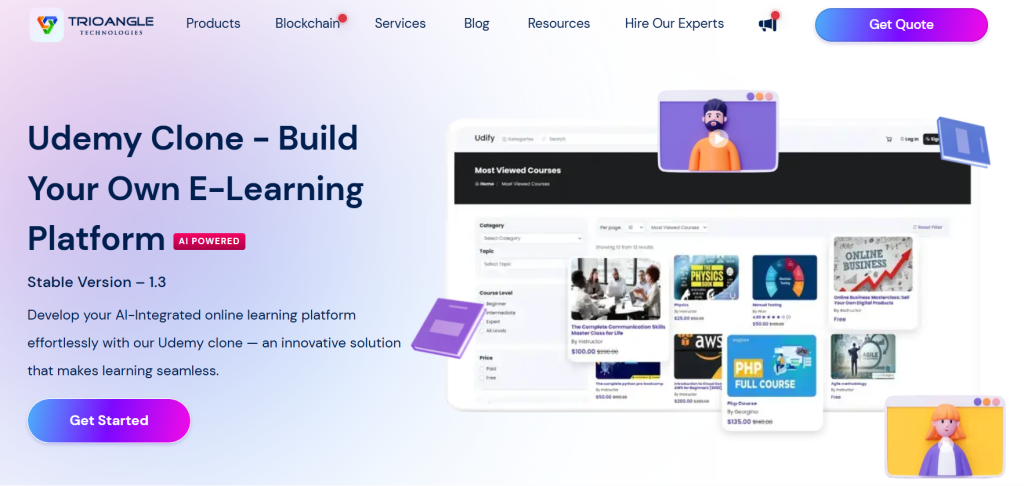
Trioangle Technologies is a leading e-learning clone provider offering ready-made LMS and Udemy clone solutions. It is a powerful e-learning solution with a user-friendly interface, a comprehensive admin dashboard, multilingual support and secure payment integrations.
Top Features:
1. Robust admin dashboard
The intuitive dashboard helps admin manage courses, users, analytics and day-to-day business operations seamlessly.
2. AI-driven features
The clone script also supports AI integrations such as virtual assistants, custom recommendations, dynamic pricing, etc.
3. Multi-language and currency support
Entrepreneurs can expand their businesses across multiple languages and enable transactions in different currencies, increasing the platform revenue.
4. Checkout Cart
The checkout option helps students to purchase multiple courses simultaneously, minimizing friction and increasing overall sales.
Pros:
- Multiple revenue streams
- Free server installation and support
- White-labeling and full source code option
Cons:
- Reviews report frequent pricing changes and high customization costs
- Slow and less responsive support team
- Project delays and functionality issues
Pricing:
Request a quote for a complete pricing breakdown
Reviews:
3. Sangvish
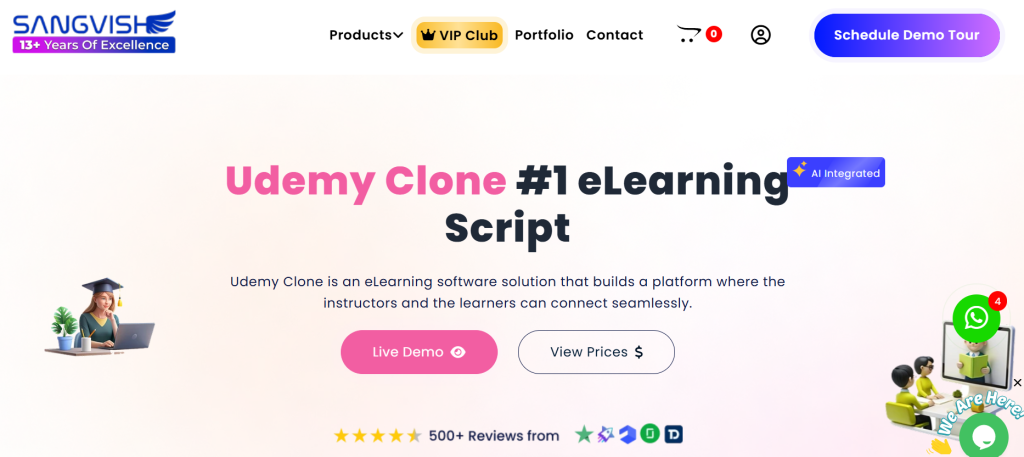
Sangvish specializes in offering Udemy clone scripts for creating your e-learning website. It connects instructors and students seamlessly with its user-friendly and robust clone solution. The software is loaded with features like Google Calendar Integration, quizzes, subscriptions, certificates, a built-in store, and an accounting system.
Top Features:
1. Supports multiple content
The e-learning clone supports learning through live classes, pre-recorded videos, text-based resources, SCORM and articles.
2. Quizzes and certificates
Instructors can create quizzes and offer certifications on course completion.
3. Marketing features
Built-in marketing tools for email campaigns, social media integration, SEO optimization maximizes sales and user retention.
4. Accounting system
Admin can manage sales, analytics, payments, payouts, refunds, etc., from single comprehensive dashboard
Pros:
- Highly customizable & supports third-party integrations
- Diverse revenue streams such as subscriptions, commissions and course bundles
- Mobile responsive design
- Built-in engagement and learning tools like quizzes, assignments and certificates
Cons:
- Very few platform reviews on third-party sites limits the product validation
- Niche differentiation is difficult
- Limited free support period up to 3 months, compared to competitors
Pricing:
One time payment and offers two pricing plans:
- Startup Plan ($499) – 1 Domain license, all standard platform features
- Corporate Plan ($799) – All startup plan features and mobile app support for Android and iOS
Reviews:
5. BSEtec – Best for Quick Deployment
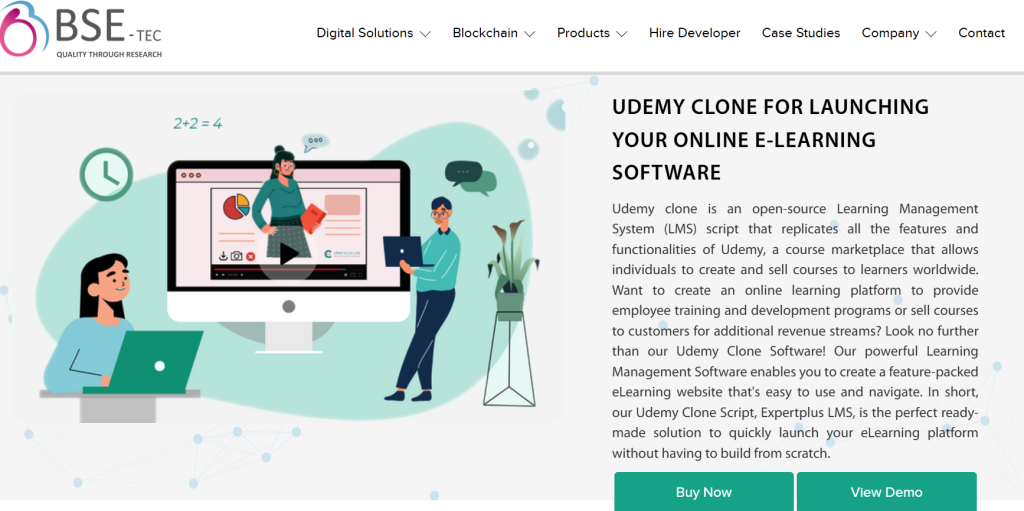
BSEtec is one of the most reliable e-learning clone scripts known as Expertplus LMS. The ready-made clone is customizable and can be used to build a Lynda and Coursera clone, an e-learning mobile app LMS, or online tutoring software based on user preferences.
The LMS provides a responsive design and caters to startups, small businesses and entrepreneurs validating with an MVP platform.
Top Features:
1. Hi-tech learning
Holistic learning through video, audio, PDFs, quizzes and articles for better understanding and engagement.
2. Course Discussions & Forums
Users can participate in discussions, communicate with peers and clear doubts with instructors on discussion forums.
3. Security Features
The clone offers enhanced security features, including a firewall, CSRF defenses and mechanisms to safeguard against malware, viruses and Trojans.
4. Instructor Promotions
This feature helps instructors promote their courses or send them to other instructors as a reference.
Pros:
- User-friendly interface
- Quick deployment within 1-2 weeks
- Customizable as per the user’s needs and preferences
- Suitable for building both tutoring websites and course marketplaces
- Provides additional software integrations like payment gateways, AWS S3, membership, etc.
Cons:
- Advanced features like multi-domain license and mobile responsiveness are available only in higher plans.
- Free support and updates are limited to 1 to 3 months.
- Generic design and UI differentiation need custom branding.
Pricing:
BSEtec’s three flexible pricing plans are:
- Basic (Encrypted) – Free (7-day limited support, single domain license)
- Enterprise (Encrypted) – $299 (1 month free support and updates, single domain license)
- Ultimate (Open Source) – Custom pricing (3 months free support, multi-domain license)
Reviews:
6. Abservetech (Edustar)
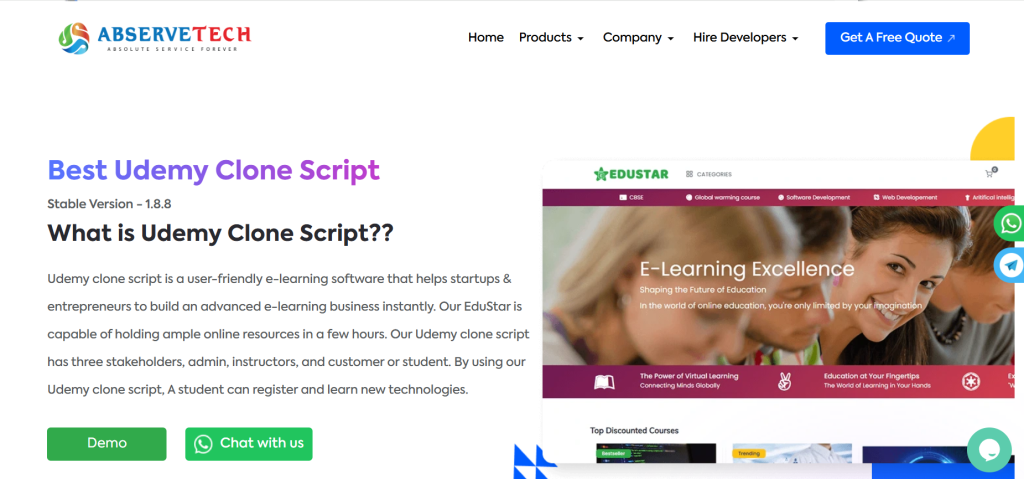
With a decade-long developmental experience, Abservetech is a reliable e-learning clone script provider. Edustar is its top-notch Udemy clone for building a modern course marketplace. The clone script provides strong course management and engagement capabilities.
It is built with the latest framework, advanced security features and a scalable architecture. Moreover, its feature-rich and comprehensive tools make it easier to manage learner performance.
Top Features:
1. Track student report
Instructors can evaluate student performance with course progress, assessment scores, and engagement reports.
2. Media manager
This module helps to easily upload and manage different file types, including images, MP3s, videos, etc.
3. User-friendly dashboard
Instructors can streamline course creation and management using the simple, intuitive dashboard without prior technical knowledge.
4. Advanced search options
Users can use advanced filtering options like course categories, price, and top courses to find their preferred educational programs.
Pros:
- Cutting-edge technology ensures high performance and a seamless user experience
- Fully customizable & scalable
- Ready to deploy and speed-to-market advantage
- Free technical help and 6-month bug support
- Multi-platform support (Web, Android and iOS Support)
Cons:
- Project delays and expectation mismatch
- Slow response and communication issues
Pricing:
Below are EduStar’s three pricing packages, contact the provider directly to receive a custom quote:
- Lite – 100% source code, free one-time installation, admin panel, student panel
- Professional – All Lite features, technical support, native Flutter iOS app, multi-language support, white-labeling option
- Enterprise – All professional plan features, multi-domain license, custom currency integration, live class, subscription, analytics
Reviews:
7. Appysa
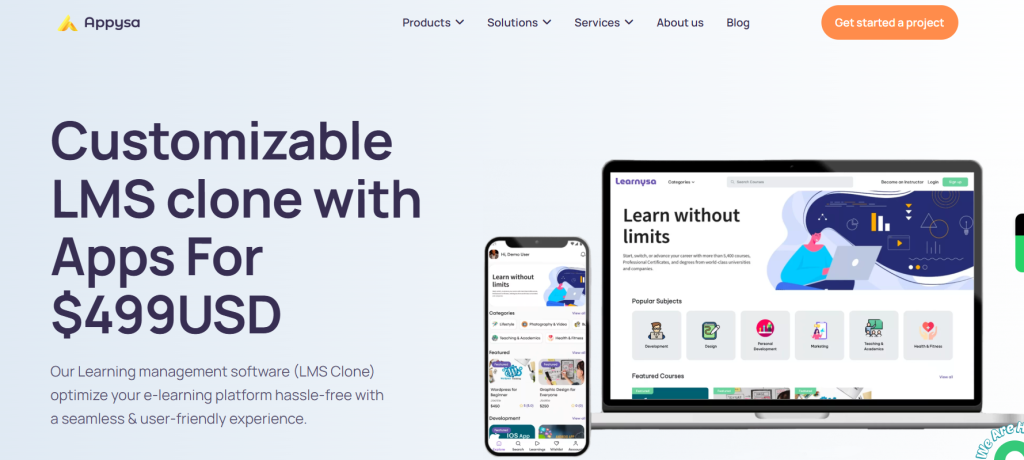
Appysa is an innovative B2B e-learning software with exceptional features to empower a seamless learning experience. The ready-made LMS clone includes built-in instructor management, course delivery, monetization and user management. The simple learning workflow enables students to discover suitable courses and take up classes based on their educational goals.
Top Features:
1. Course progress
Students can track their course progress, motivating them in their learning journey.
2. Admin dashboard
The comprehensive admin dashboard provides a 360-degree view of the business with modules for managing users, commissions, revenue, course moderation and more.
3. Multi-language & multi-currency support
Entrepreneurs can scale their business globally and enable international learners to purchase courses in their own currency.
4. Ratings and reviews
Students can rate their learning experience, informing other learners about the course quality and increasing sales.
Pros:
- Diverse revenue streams such as commissions, featured listings, Google AdSense and banner ads
- Pricing plans include native mobile support for iOS and Android users
Cons:
- Limited advanced features such as analytics, AI personalization or add-on integrations
- Support is limited to minor bug fixes and queries
- Limited reviews online make it hard to verify product quality
Pricing:
Enterprise package ($499): Includes website and app installation, 6-month support, and app store submission
For detailed pricing breakdown, contact the provider directly.
Reviews:
No reviews on popular third-party websites
8. Migrateshop
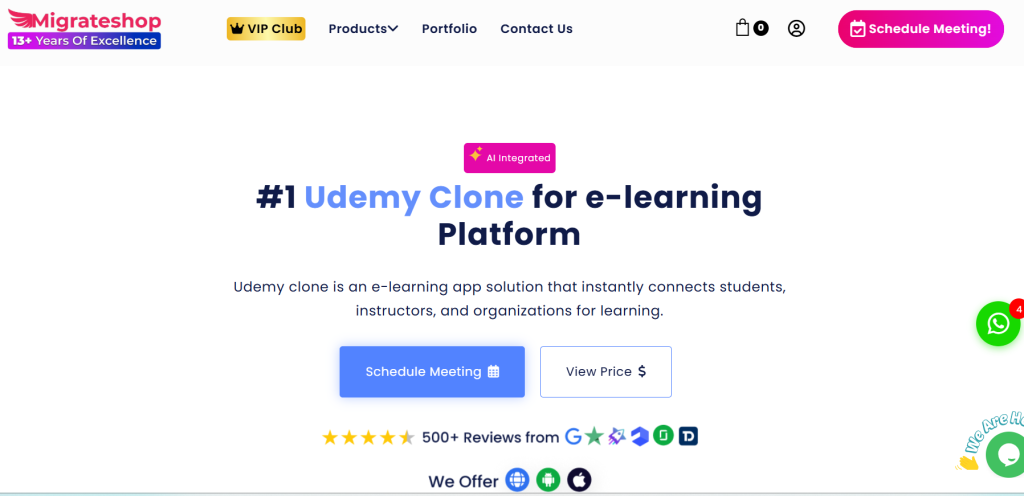
Migrateshop is another ready-made clone solution and a trusted partner to start your e-learning business quickly and affordably. The company has over 12 years of experience and has built several successful businesses in the e-learning space.
The platform supports diverse course formats and e-learning models making it suitable for launching course marketplaces, corporate platforms and even professional certification programs.
Top Features:
1. Localization support
The e-learning clone app supports multiple languages, currencies, and bidirectional text conventions.
2. Multi-instructor support
Supports single and multi-instructor setups with course editing and revenue-sharing features.
3. AI-powered integration
Advanced AI features suggest course titles, descriptions and images to instructors.
4. Google calendar integration
Students and instructors can receive notifications about upcoming sessions and events.
Pros:
- Web and mobile support for iOS and Android users
- Supports organizational learning system
- Multiple international payment gateway integrations and language support
- GDPR-compliant
- Fully customizable based on business needs
Cons:
- Lacks advanced analytics or AI learning features
Pricing:
Migrateshop e-learning clone’s two pricing plans include:
- Startup Plan ($499) – Single domain license, 100% source code, standard access features
- Corporate Plan ($799 )– All startup plan features, Android app, iOS app, app submission
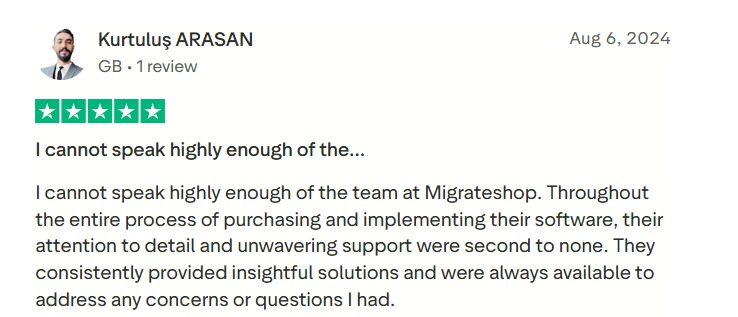
Reviews:
9. Oyelabs (LMS clone)
Oyelabs LMS clone is a white-label solution supporting live classes, course management, payment integration and engagement tools. The feature-rich LMS offers a scalable framework for startups and SMBs.
The LMS clone can be customized to integrate advanced functionality or unique branding needs, providing a competitive edge. It is a powerful solution for schools, coaching institutes, training centers or corporate training.
Top Features:
1. Performance analytics
Instructors can track course completion rates, student engagement and quiz scores and optimize their teaching strategies.
2. Video-based learning
Students can access pre-recorded videos with features such as captions, playback speed control, and full-screen mode.
3. Course approval & moderation
Admin can review, approve or reject uploaded courses as per platform guidelines.
4. Revenue & commission tracking
The revenue dashboard helps admin track platform revenue, commissions and earnings across different revenue streams, monitoring overall business performance.
Pros:
- Live website within 1 week
- Highly scalable
- 100% customizable
- Advanced security features like fraud detection and monitoring
- Broad range of add-on features
- Multi-platform support for web, iOS and Android users
Cons:
- Premium price compared to other e-learning clones
- Not ideal for early-stage startups with minimal budget
- Doesn’t offer enterprise-level LMS integrations
- Limited 30-day support period
Pricing:
Basic plan starts at $2599. Request a quote for custom pricing.
Reviews:
What are the Key Features of an E-learning Clone Script?
Choosing the right e-learning clone script depends on your platform goals, expected feature set budget, launch timeline, and customization level. Despite all these factors, there are some essential features that help to choose the right e-learning clone script for your business.
1. Course management & access
Prioritize a simple course management interface that supports videos, images, PDFs, presentations, quizzes and assignments.
2. Virtual classroom experience
Look for Zoom or Lessonspace integration supporting live one-on-one and group sessions, along with easy scheduling and session reminders.
3. Diverse monetization streams
Relying on a single revenue stream to monetize your e-learning platform is tricky. Ensure your clone script allows businesses to earn from commissions, subscriptions, certifications, webinars and ads.
4. Customization
Modern e-learning clone scripts support feature-level and UX customizations to gain a competitive edge.
5. Analytics & reporting
Comprehensive reports and dashboards provide real-time insights on instructors, learners, courses, payments and overall revenue. This makes it easier for educators and admin to track and enhance learning outcomes and business growth.
6. Mobile responsiveness
A mobile responsive design is non-negotiable, and it ensures users can easily access your platform from smartphones, tablets and laptops.
Final Verdict
Whether you’re building a tutoring platform or course marketplace, ensure you thoroughly understand your business and audience needs. And if you’re looking for a scalable, secure, and customizable e-learning software, Pinlearn is an ideal solution. The e-learning market is competitive; make sure you choose a profitable niche and viable revenue model to launch a successful e-learning business!
Further Reading:
FAQ-Related to Best E-learning Clone Script Providers
1. What is an e-learning clone script?
An e-learning clone script is a pre-built software with all the essential features and functionalities for creating an e-learning platform. These scripts act as a foundational framework for entrepreneurs starting a new business and looking for a quick and affordable entry into the competitive market.
2. What is the best site for an e-learning script?
Pinlearn, Yo!Coach, Trioangle Technologies, Sangvish, Appysa, Migrateshop are some of the best e-learning clone script providers.
3. How is Pinlearn different from other e-learning clone scripts?
Pinlearn provides strong customization and monetization features and helps to launch your platform within 5-6 days.
4. Do you need coding skills or technical expertise to use clone scripts?
No, you don’t need any coding knowledge to use clone scripts as all the features are pre-built.
5. How much does it cost to launch a platform using e-learning clone scripts?
E-learning clone scripts like Pinlearn cost $699 for starter plan and $1499 for the professional plan.
6. Can I customize an e-learning clone script?
Yes, e-learning clone scripts can be easily customized to your business and branding needs, although they come with pre-built features.
7. How long does it take to launch your e-learning platform with clone scripts?
Businesses can launch their e-learning platform within weeks (earliest 5-6 days) rather than the months required for custom development.