7 Best TutorCruncher Alternatives: Pros, Cons, Reviews, Pricing
TutorCruncher is a well-known tutoring management software for both small and large tutoring businesses. It streamlines invoicing, payments, schedules, and tutor communications. The platform also offers analytics to track key business metrics and gain valuable insights.
While the tutoring software is packed with features, grasping all of it could be overwhelming for small tutoring businesses. Whether you’re a solo tutor or a mid-scale tutoring business looking for a TutorCruncher alternative, here’s a rundown of the top 7 tutoring software to explore!
TL;DR
Here are the 7 best TutorCruncher Alternatives to build a solid tutoring business:
- Pinlearn – All-in-one tutoring software with 1-on-1 sessions, self-paced courses, easy scheduling, dashboard, analytics & high-end customization
- Teachworks – Cloud-based tutoring software for handling students, tutors, attendance, payments, scheduling, and invoicing
- TutorBird – Affordable software for solo tutors and small tutoring companies
- Oases Online – Powerful tutoring software streamlining billing, payments, and invoicing
- Wise – Intuitive tutoring software for centralized booking, automated scheduling and engagement tools
- Acuity Scheduling – Lightweight scheduling software for easy booking, automated workflows, and easy setup
- EdisonOS – Robust LMS with virtual tutoring, whiteboard, scheduling and screen-sharing features.
Why Should I Look for a TutorCruncher Alternative?
TutorCruncher is a comprehensive tutoring management software for reducing administrative hassles. It offers easy appointment scheduling, payment processing, and management tools.
The user-friendly interface helps businesses to manage scheduling, payroll, billing, and client management from one tutoring software.
However, if your business needs something beyond, such as a tutoring marketplace or a more affordable platform, look for a better alternative.
Here are some drawbacks of TutorCruncher and potential reasons to find an alternative:
- Steep Learning Curve – While TutorCruncher has a comprehensive suite of features, this also makes its dashboard overwhelming. For small tutoring businesses, something more intuitive and simpler works better.
- No Marketplace Support – Building the next go-to student-tutor marketplace? TutorCruncher might not be the right fit; choose a self-hosted tutoring solution like Pinlearn.
- High cost for small businesses – If you own a small and growing tutoring business, TutorCruncher’s pricing model could be expensive and exceed your budget. Scaling your tutoring business with recurring subscriptions adds to long-term costs.
- Challenging setup – Powerful feature-set and advanced configurations make the initial setup a bit complex for new users.
- Limited customization – TutorCruncher’s fixed design flow and limited branding are not suitable for a highly customizable tutoring business.
- Less Engagement – If your tutoring business needs a more personalized and engaging learning experience, look beyond TutorCruncher.
7 Best TutorCruncher Alternatives: In-depth Feature Comparison & Analysis
Here’s a quick comparison of all other comprehensive platforms:
| TutorCruncher Alternative | Features | Pros | Cons | Pricing |
| Pinlearn | Seamless scheduling, live tutoring integration with Zoom and LessonSpace, dashboard & analytics, marketplace support | Self-hosted tutoring business, suited for small and large businesses, highly customizable script, | Suitable for tutoring, coaching, and consultation businesses | One-time cost; Price starts at $699 & Professionals plan costs $1499 |
| Teachworks | Flexible scheduling, reminders, analytics & reporting, custom invoicing | Ease-of-use, flexible scheduling, third-party integrations, and LessonSpace integration | Not intuitive, high pricing, complex setup, and lacks internal communication tools | Price starts at $16.49 per month |
| TutorBird | Drag-and-drop website builder, multi-tutor support, third-party integrations, automated billing & invoicing | Ease-of-use, affordable, unique branding, virtual tutoring support | Lacks customization & reporting, not suitable for large businesses, limited mobile responsiveness features | Price starts at $14.95 per month |
| Oases Online | All-in-one CRM, marketplace storefront, scheduling & attendance tracking tools, tutor matching | Comprehensive features, mobile responsive, multi-location support | Complex setup, steep learning curve, expensive for large businesses | Price starts at $99 per month |
| Wise | Smart scheduling, 2-way calendar sync, engagement tools, live Zoom integration, | Centralized tutor management, automated payment & invoicing, modern interface | Only Zoom integration support, limited white-labelling & branding, | Free plan for basic use; Pay-per-session at $1 per session
|
| Acuity Scheduling | Self-scheduling, Calendar sync, session reminders & confirmations, time-zone detection | Easy scheduling, customizable payment & booking flows, third-party integrations | Suitable for solo tutoring, limited customization, support issues | Price starts at $20 per month |
| Edison OS | Easy scheduling, live tutoring, course creation & management tools, learner analytics | Tutoring, course creation, personalized learning paths, white-labeling,, mobile responsive | Doesn’t support in-person tutoring, steep learning curve | Price starts at $999 for 90 days |
1. Pinlearn
About Pinlearn:
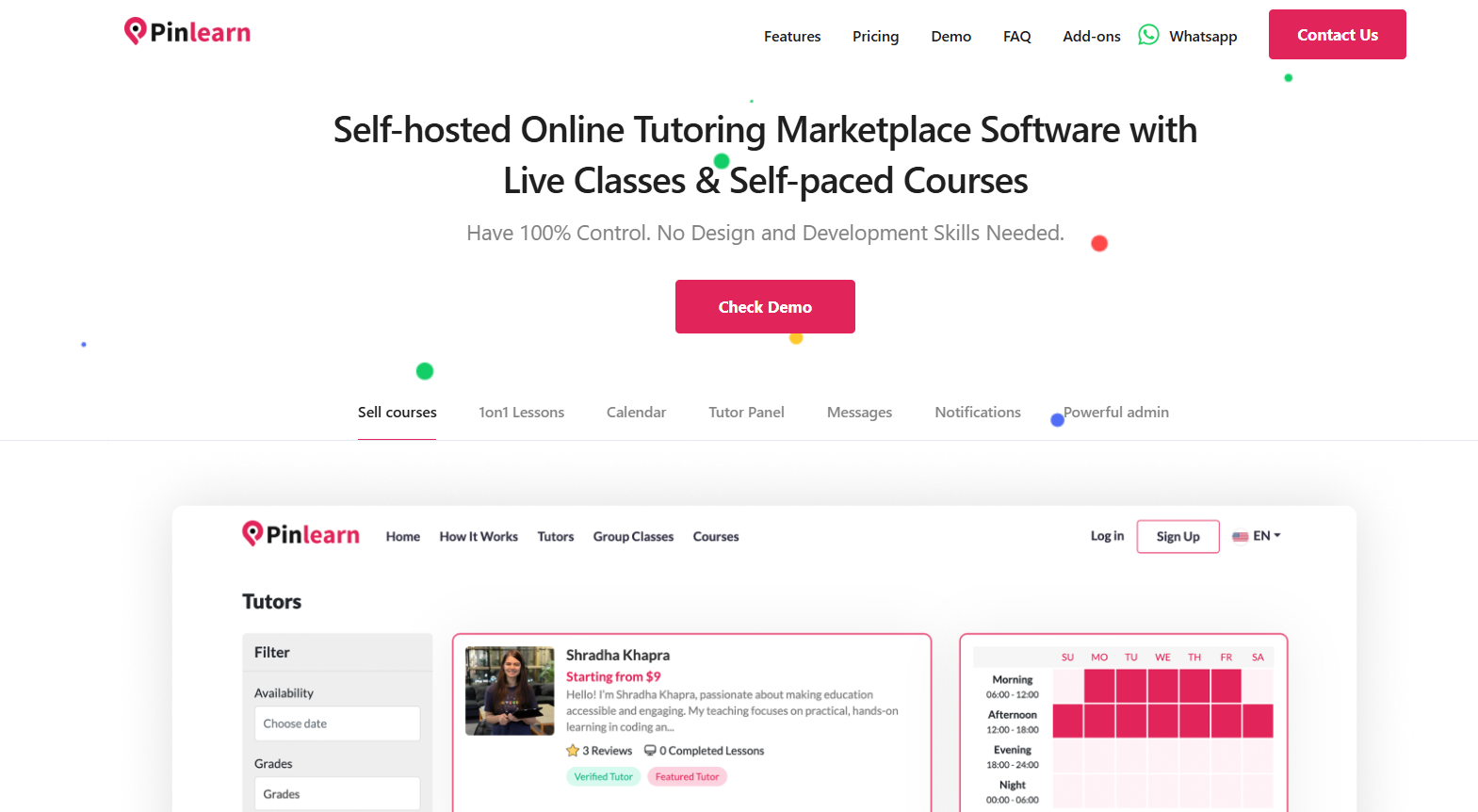
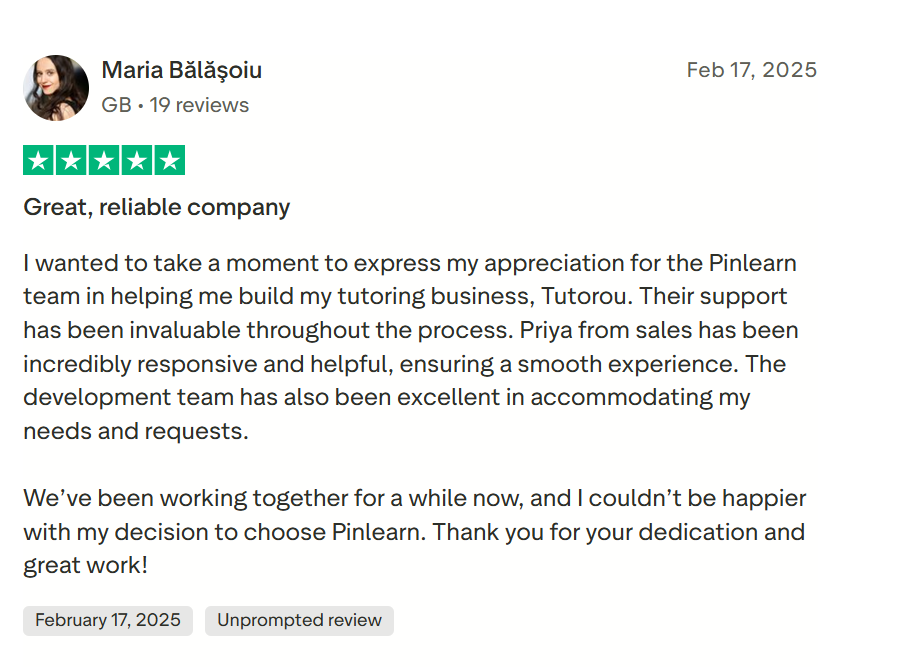
Pinlearn is one of the best tutoring software that supports both 1-on-1 sessions and self-paced courses. From course creation to session scheduling and convenient payments, you need only one software for all your tutoring needs.
It caters to the business needs of tutoring centers, educational institutions, online academies, and tutoring marketplaces. Pinlearn comes with an in-built Zoom or LessonSpace integration for live 1-on-1 and cohort classes. Students can book demo and paid lessons and check tutor availability with an easy appointment management tool.
Struggling to track tutor sessions and payments? Pinlearn’s comprehensive dashboard & analytics ensure you manage everything from tutor profiles, sessions and payments from one place.
The standout feature of Pinlearn is that it is tailored to user needs. Its comprehensive analytics and reporting tracks learner progress, revenue, and valuable insights for building a dynamic tutoring business. Moreover, its 100% unencrypted source code makes it well-suited for high-end customization and unique branding.
Features:
- Easy, flexible scheduling based on tutor availability
- Live tutoring with Zoom and LessonSpace integration
- Payment integration with Stripe and popular global and local gateways
- Online whiteboard & advanced features for recurring payments, participant limit, etc.
- Automated notifications & reminders on scheduled sessions & cancellations
- Internal messaging & multi-language support
- Dedicated tutor dashboard & analytics
- Robust admin dashboard & reporting tools
- Multi-tutor & marketplace support
Pros:
- Self-hosted tutoring business with a brand name
- Perfect for small and big tutoring businesses
- Online and in-person tutoring support
- Multiple revenue streams — live sessions, self-paced courses, subscriptions
- Highly customizable script with 100% open source code
- Interactive and engaging learning features
- Third-party integration support for gateways, email automation, and analytics
Cons:
- Ideal for tutoring, coaching, & consultation businesses
Pricing:
One-time cost with no recurring fees or hidden costs.
- Starter- $699
- Professionals (100% unencrypted source code) – $1499
Check out the full pricing details.
Reviews:
2. Teachworks
About Teachworks:
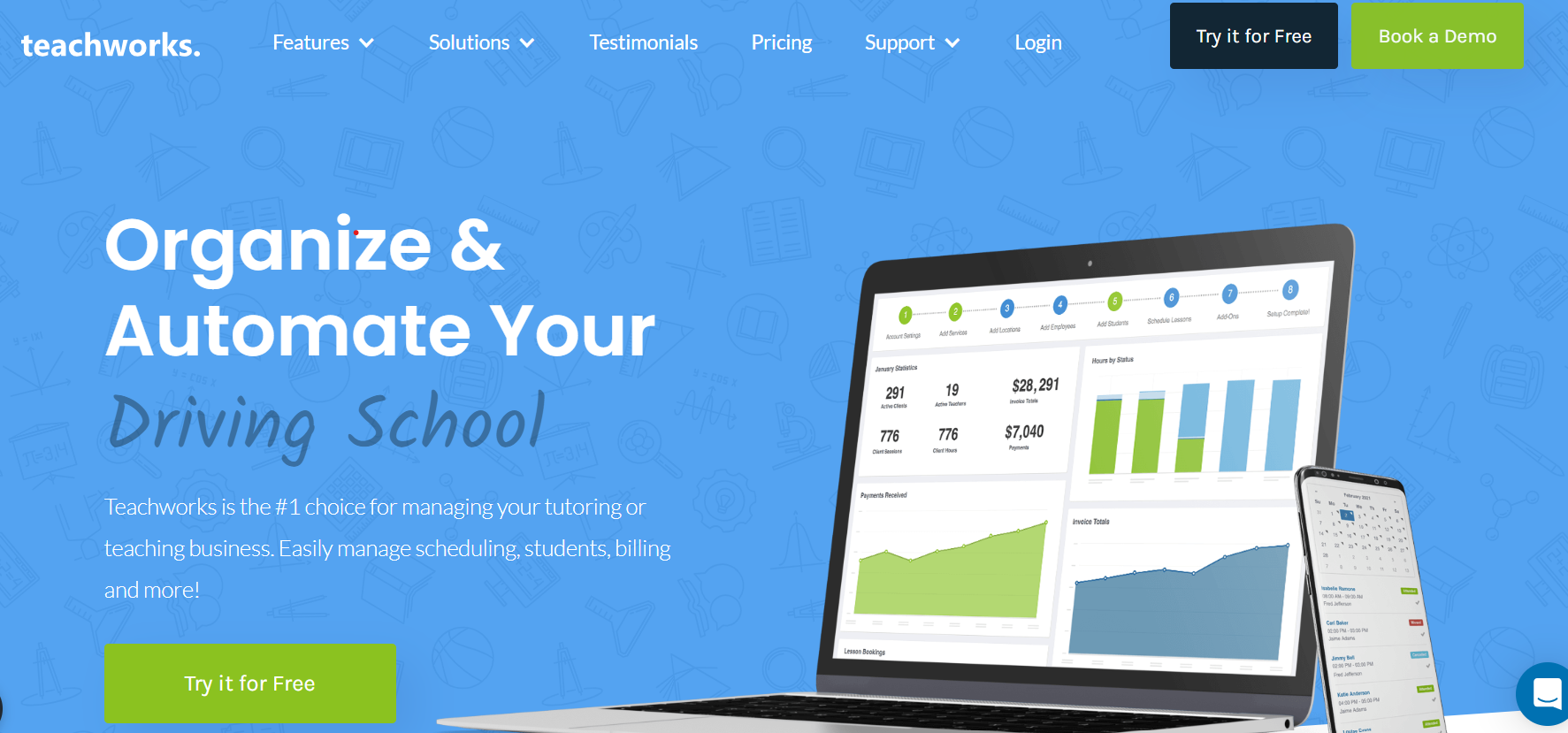
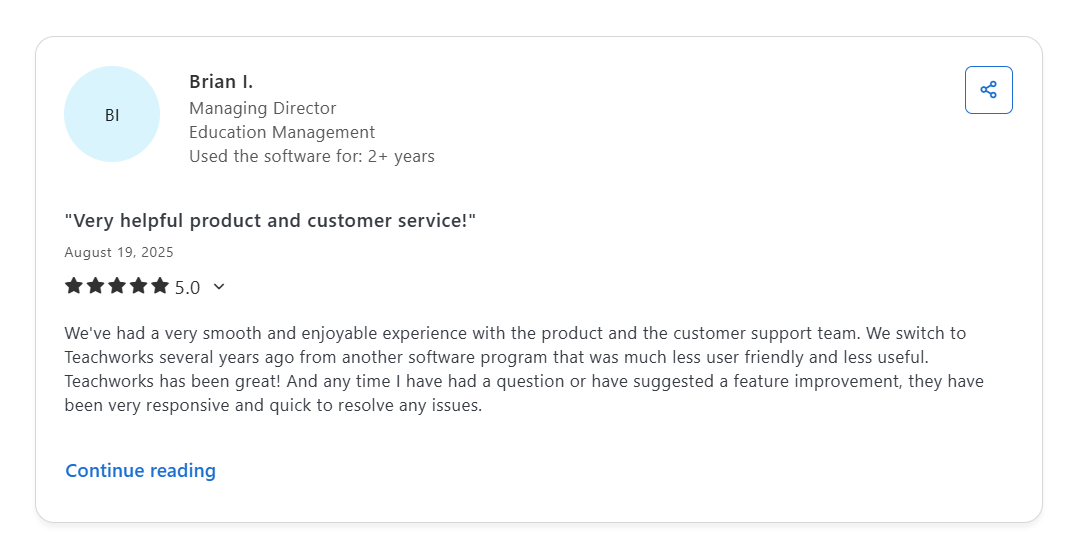
Teachworks is one of the top alternatives, thanks to its powerful and intuitive interface. It is an all-in-one tutoring business management software for handling students, tutors, attendance, payments, scheduling, and invoicing.
It is a cloud-based management software that also helps to manage multiple tutoring centers. The platform offers a seamless virtual classroom experience through LessonSpace integration and also supports over 70 third-party integrations.
Features:
- Simplified scheduling & track tutor availability
- Automated email reminders and feedback with lesson notes
- Flexible billing methods & custom invoices
- Real-time analytics & customizable report features
- White-labeling with your logo, brand name and subdomain
- Multi-branch support for scaling the business
Pros:
- Ease-of-use
- Easy & flexible scheduling
- Over 70 third-party integrations, including Zapier, Mailchimp, Stripe, etc
- In-built integration with LessonSpace for one-on-one and group lessons
- Simple payroll & invoicing management
Cons:
- The online booking feature is clunky and not so intuitive
- High pricing for small tutoring businesses or centers
- Complex setup
- Lacks an internal communication system and needs third-party tools
Pricing:
Starts at $ 16.49/month + $0.320 monthly per student lesson.
Check out the full pricing details.
Reviews:
3. TutorBird
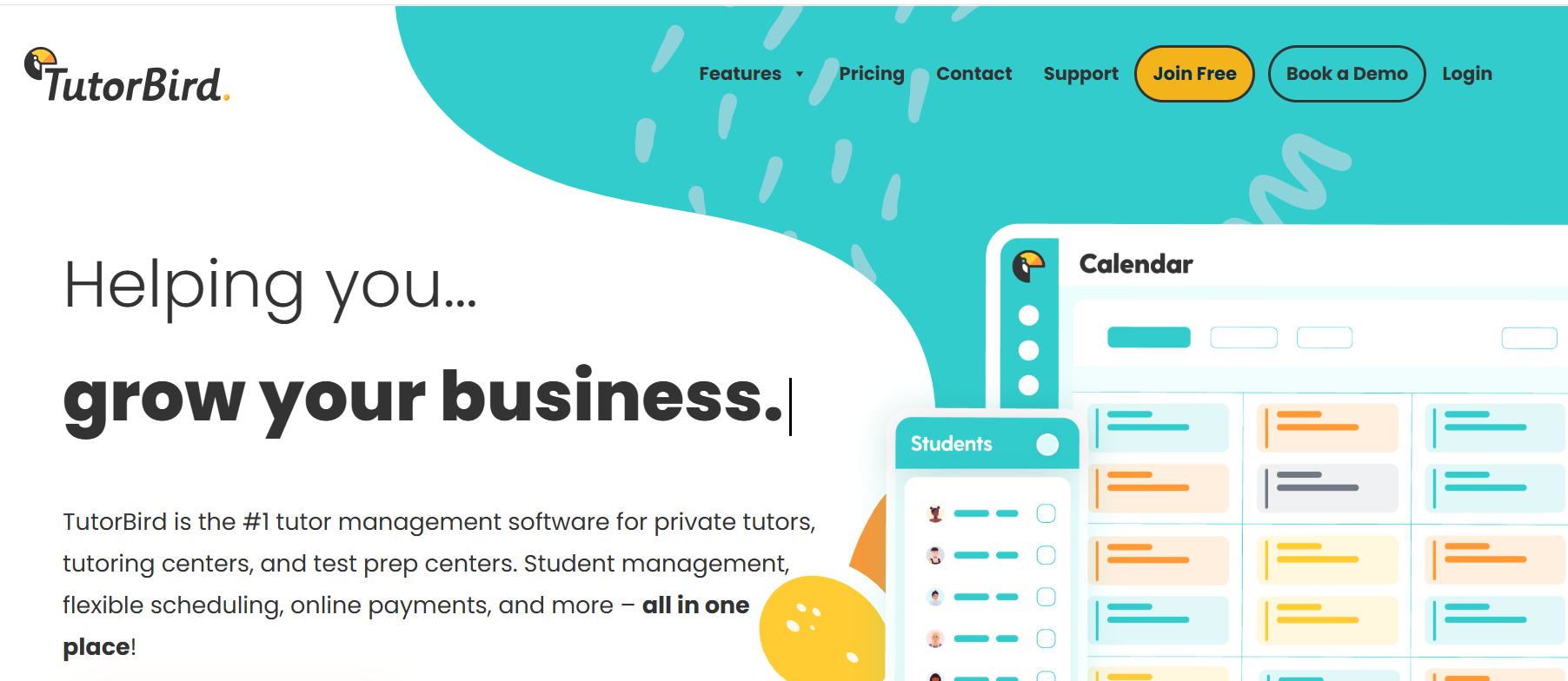
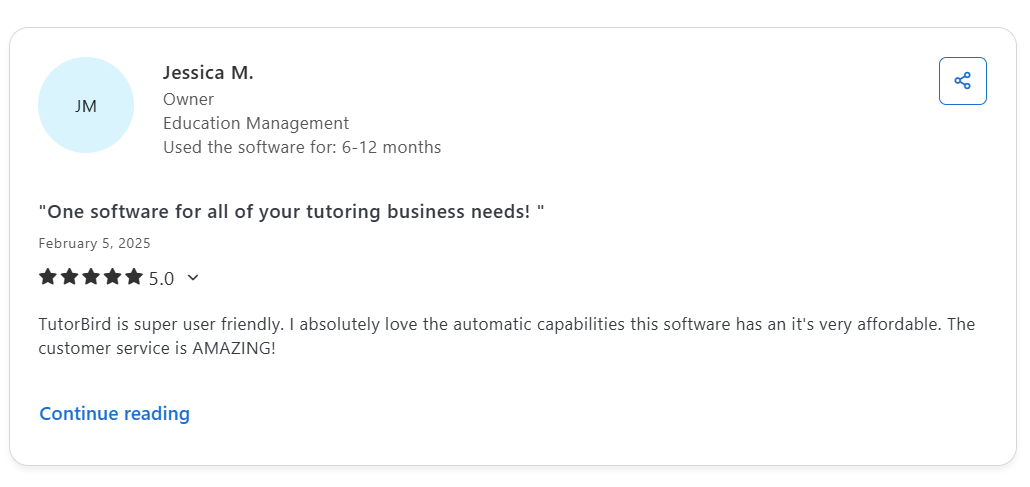
TutorBird is another leading tutor management software to automate your tutoring business. If you’re looking for a way to manage everything from one place, TutorBird is a great alternative.
Its drag-and-drop interface, extensive integrations, excellent customer support and affordable pricing make it a preferred choice.
Features:
- Easy drag-and-drop website builder
- Integrations with Stripe, PayPal, Zapier, LessonSpace, etc.
- Multi-tutor support and customized account permissions
- Organize lessons, attendance, and track student progress.
- Automate billing, invoicing, and manage payments
- LMS for uploading & sharing files, homework and updates
- Record expenses, business reports, and performance
Pros:
- Beginner-friendly interface
- Affordable pricing
- All-in-one tutoring management software for payment, scheduling and billing
- Branding & website customization
- Supports virtual tutoring with Zoom and FaceTime
- Excellent customer support
Cons:
- Limited customization & reporting features
- Lacks a responsive mobile experience
- Not suitable for large tutoring businesses
Pricing:
Starts at $14.95 per month and $4.95 per additional tutor or staff member
Check out the full pricing details.
Reviews:
4. Oases Online
About Oases Online:
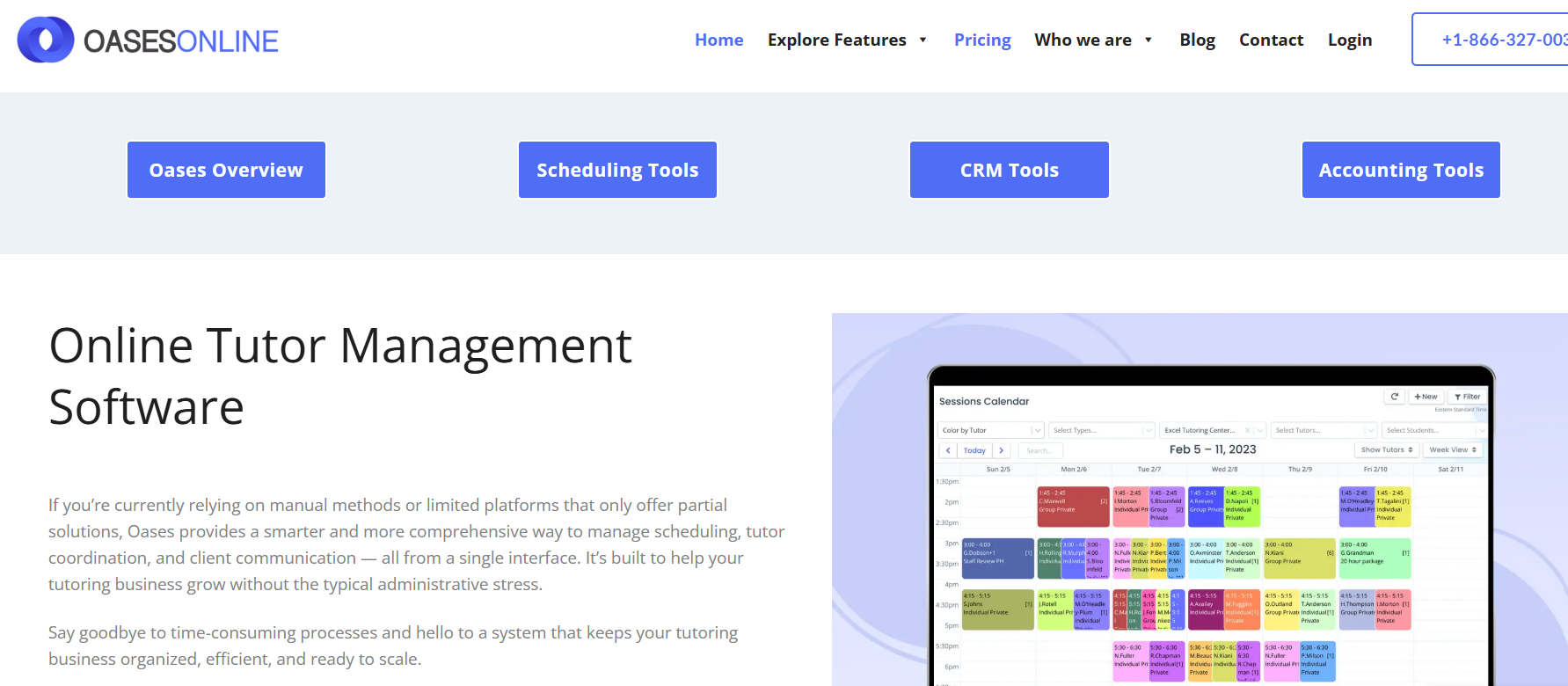
Oases Online is a smart way to manage all your tutoring needs from a single interface. Whether you’re a solo tutor or manage multiple tutoring centers, the software helps you manage clients, appointments, and student progress like a breeze.
The cloud-based software helps you streamline everything from billing and payments to invoicing. Additionally, custom test creation and intelligent tutor matching make it a great choice.
Features:
- All-in-one CRM
- Oases marketplace storefront for selling tests or sessions
- Scheduling & attendance tracking tools
- Manage payments, billing and invoicing
- Intelligent tutor matching feature
- Track student progress reports, assessments, and build learning plans
- Multi-branch and multi-tutor support
- Create email reminders and templates for bulk emails.
Pros:
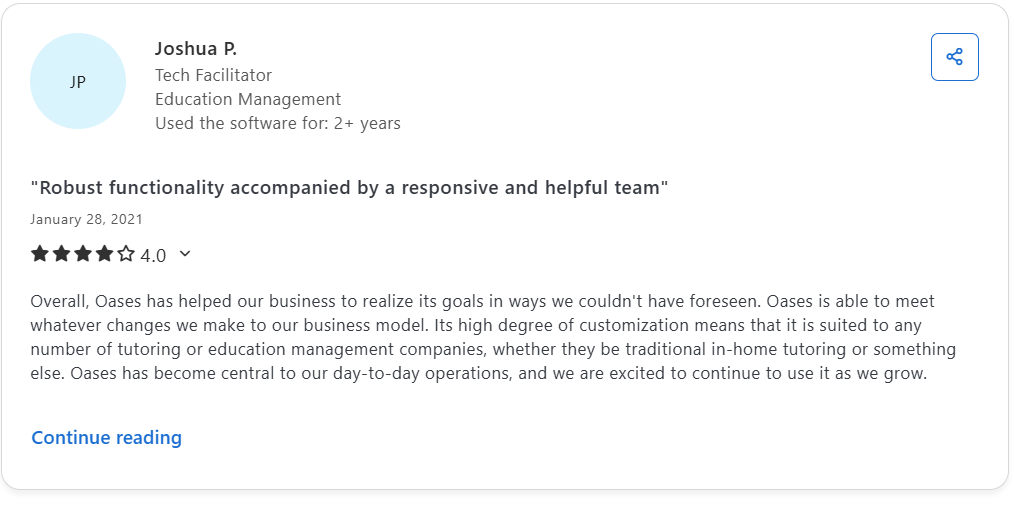
- Powerful solution & enhanced feature set
- Mobile responsive
- Excellent customer service
- Customizable and scalable for both small and large businesses
- Multi-location business support
Cons:
- Complex setup
- Significant learning curve and a whole lot of features
- Reporting & invoicing are confusing to understand
- Expensive for small tutoring businesses; no free trial
Pricing:
Starts at $99 per month and scales with more features and additional users.
- Starter Plan– $99/ month
- Basic Plan – $199/month
- Standard Plan – $299/month
- Advanced Plan – $399/month
- Professional Plan – $499/month
- Ultimate Plan – $699/month
Check out the full pricing details.
Reviews:
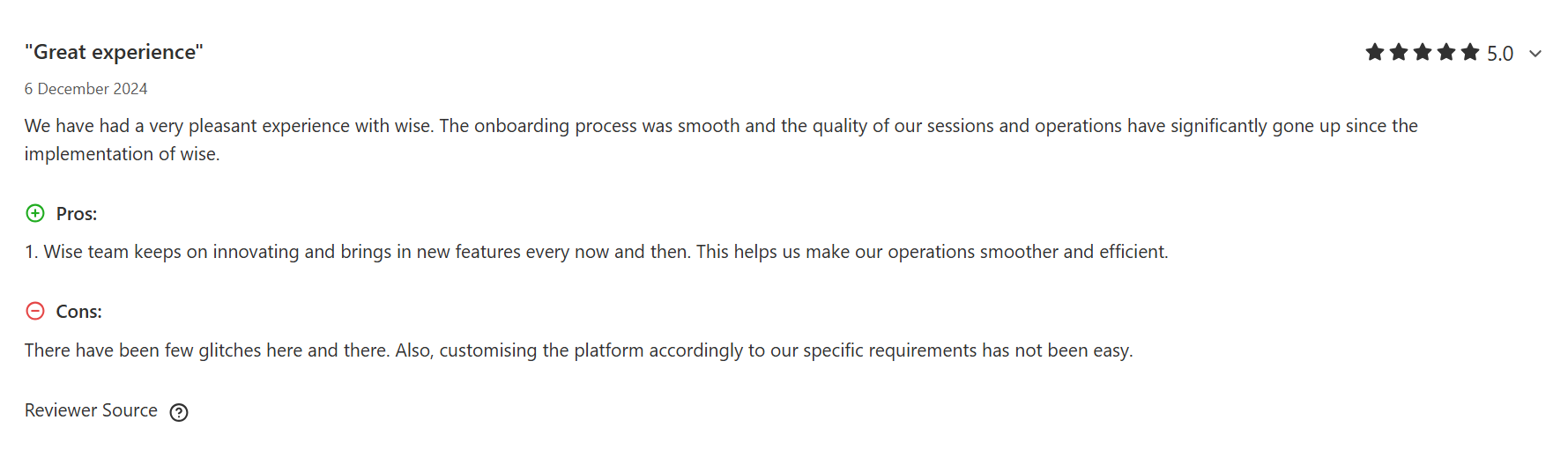
5. Wise
About Wise:
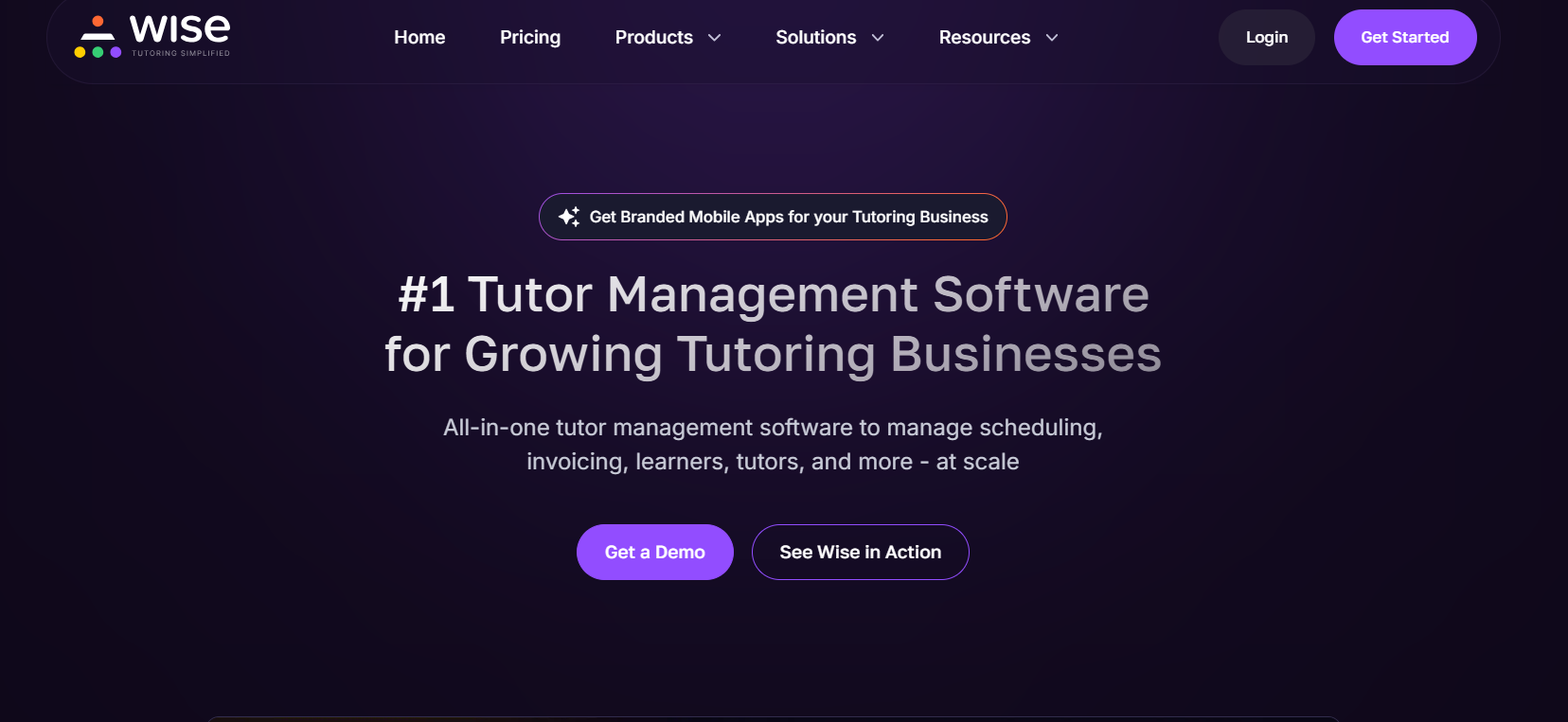
Wise.live simplifies tutor management with centralized booking, automated scheduling and engagement tools. The 2-way calendar sync allows students to book based on tutor availability.
It is an easy, modern, and mobile-friendly platform with an engaging user experience. So, what makes Wise a top TutorCruncher alternative? One-on-one personalized sessions, self-paced courses, group sessions, automated invoicing, and secure payment flows define its core feature set.
Features:
- Intelligent scheduling & 2-way calendar sync
- Real-time student engagement tracking & progress reports
- Custom invoicing & integration with payment gateway
- Small group tutoring & cohort-based courses
- Built-in live tutoring integration with Zoom
- Inbuilt gamification flows for interactive learning.
Pros:
- Centralized tutor management
- Modern interface & multi-tutor support
- Multi-tutor support
- Automated attendance, payments, and invoicing
Cons:
- Only supports Zoom live integration
- Limited white-labelling & branding options
- No marketplace or discoverability support
- Recurring payments incur long-term costs.
Pricing:
- Free plan for basic use
- Pay-per-session (1-on-1 tutoring) – $1 per session
- Pay-per-seat (group tutoring) – $40 per seat
Reviews:
6. Acuity Scheduling
About Acuity Scheduling:
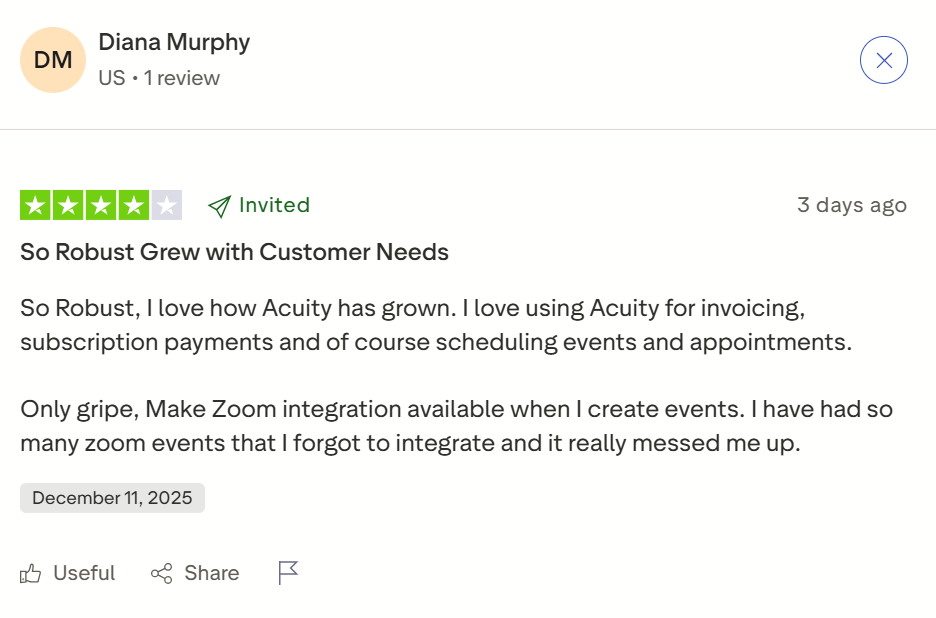
Acuity Scheduling makes a great TutorCruncher alternative, given its seamless scheduling & automated workflows. Its easy setup helps to access scheduling, payment processing, and calendar access from a single platform.
Students can book, reschedule, cancel, and make payments easily without relying on anyone. Further, confirmations, reminders, and follow-up messages reduce no-shows and cancellations.

Features:
- Self-scheduling & convenient booking experience
- Reschedule & cancel bookings
- Confirmations, follow-ups, and scheduling notifications
- Calendar synchronization with Google Calendar, Outlook and iCloud
- Time-zone detection & availability settings
- Branding & links
- Customizable student intake forms
- Hassle-free billing & invoicing
Pros:
- Easy scheduling & booking management
- Customizable booking & payment workflows
- Subscriptions, packages, gift-cards and add-ons to drive revenue
- Students can make full payments, deposits and even tips
- Integrations with any website, gateways, analytics, calendar, and video conferencing
Cons:
- Suitable for solo tutoring due to scalability challenges
- Limited customization
- Clunky mobile experience
- Customer support issues
- Lower plans come with basic features, forcing users to opt for expensive plan upgrades.
Pricing:
Starts at $20 per month and includes a 7-day trial for all plans
- Starter Plan: $20 per month
- Standard Plan: $34 per month
- Premium Plan: $61 per month
- Enterprise Plan: Custom-pricing
Check out the full pricing details.
Reviews:
7. EdisonOS
About Edison OS:
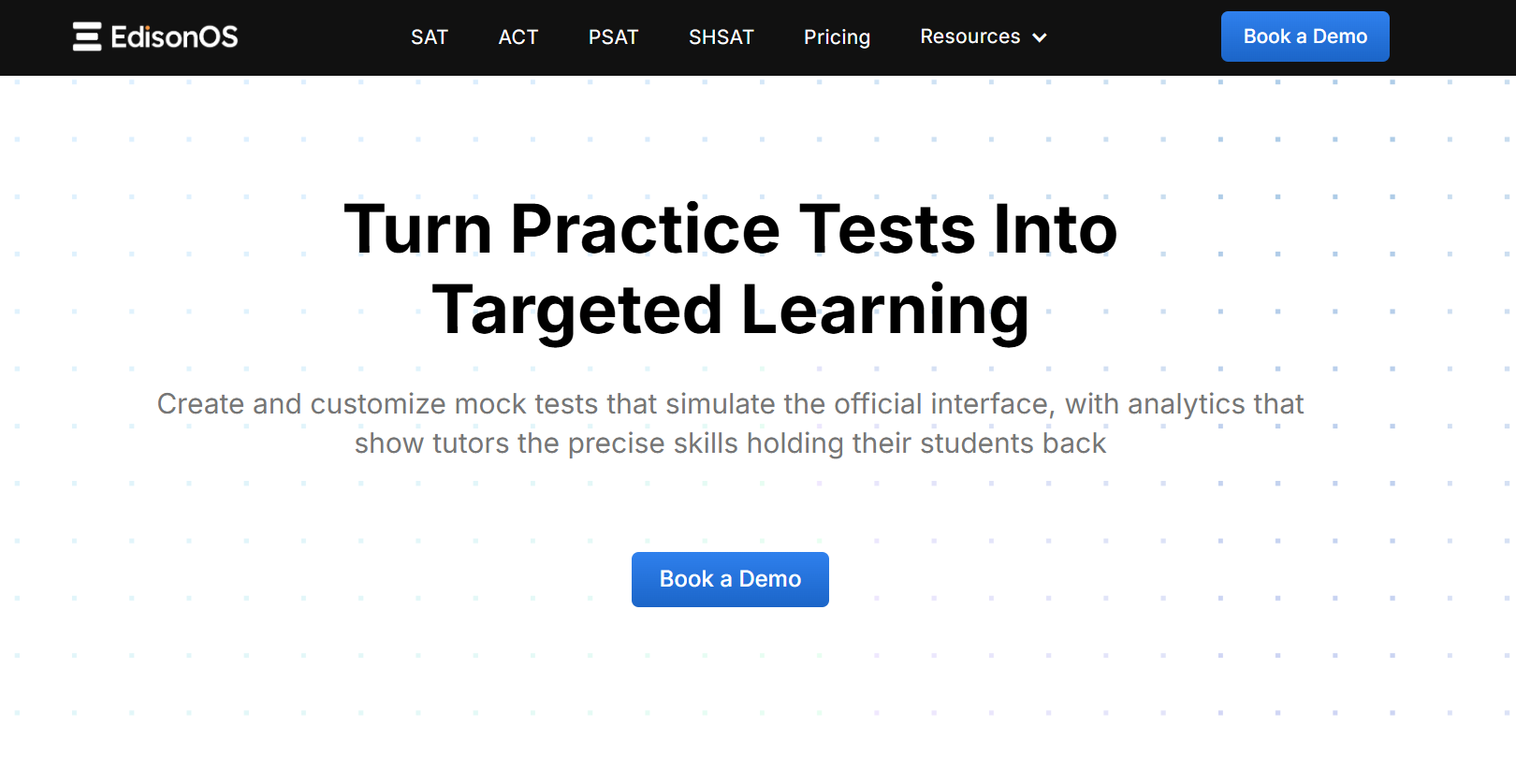
Edison OS is a robust LMS that combines the features of tutoring and course creation. Educators can create their own lesson plans with surveys, tests, and assignments, and educate learners. For tutors, it offers live tutoring, whiteboard, easy scheduling and screen-sharing features.
The platform is ideal for tutoring centers, universities and professional training centers. EdisonOS also offers test preparation tools for SAT, ACT and other standard tests with practice papers and analytics.
Additionally, payment integrations, white-labeling, & branding make it a viable tutoring software.
Features:
- Easy scheduling & tutor availability
- Live classes with whiteboard, chats, and screen sharing
- Course creation and management tools like quizzes, multimedia support, etc
- Track learner progress, attendance, and engagement with custom reports
- Create customized mock tests using a question bank and capture learner insights.
- Popular payment gateway integrations & monetization options (subscriptions, courses, packages)
- White-labeling & branding
Pros:
- Personalized learning paths
- Course creation & live tutoring support
- Mobile responsive
- Suitable for both tutors and course creators
Cons:
- Does not support in-person tutoring
- Comprehensive features with a significant learning curve
- Limited pre-built templates
- Ongoing subscriptions increase the scaling cost.
Pricing:
Subscription plans include:
- Starter Plan – $999/ 90 days + $549 for one-time setup fee
- Growth Plan – $2499/ 180 days for $549 for one-time setup fee
- Scale Plan – $4999/ 365 days for a $549 one-time setup fee
Free trial and custom pricing available. Check out the full pricing details.
Wrapping Up
TutorCruncher is a dynamic tutoring software with over 10 years of industry experience. It serves different tutoring businesses. But if you desire a simpler UX, more marketing features, or customized branding, seek a better TutorCruncher alternative.
First, identify what your business requirements are and have a long-term scaling strategy. This makes the selection process easier. For example, if you plan to build a highly customizable, scalable, and independent tutoring business, Pinlearn is where your search ends!
Schedule a quick call with our team to see if Pinlearn is all your business needs today!
FAQ-Related to TutorCruncher Alternatives
1. What is the best alternative to TutorCruncher?
Pinlearn is one of top TutorCruncher alternatives with its powerful features and highly customizable interface that allows you to launch your independent business within days. Consider your tutoring type, integrations, budget, and customizations while choosing the right platform.
2. Can I migrate my data from TutorCruncher to other platforms?
Yes, you can migrate all your tutoring data from TutorCruncher if the software provider supports data migration. Ensure your chosen platform automatically offers content migration services and platform usage data without modifying it.
3. What are the essential features to look for in TutorCruncher Alternatives?
Here are the key features for choosing the best TutorCruncher alternative:
- Easy scheduling, rescheduling, & cancellation features
- Calendar sync & tutor availability
- Automated billing, invoicing, and customizable payment flows
- Built-in integration with live tutoring software
- Integration with popular payment gateways
- Customizable intake forms
- White-labeling & branding options
- Automated session reminders, notifications, and calls
- Analytics & reporting tools
4. Which tutorcruncher alternative is the most customizable?
Pinlearn is a highly customizable tutoring software with 100% open-source code and extensive built-in and third-party integration support. On top of that, you get complete ownership and build your unique brand identity with your company name, logo, and custom user flows.